How Search Autocomplete Learns From What You Almost Typed
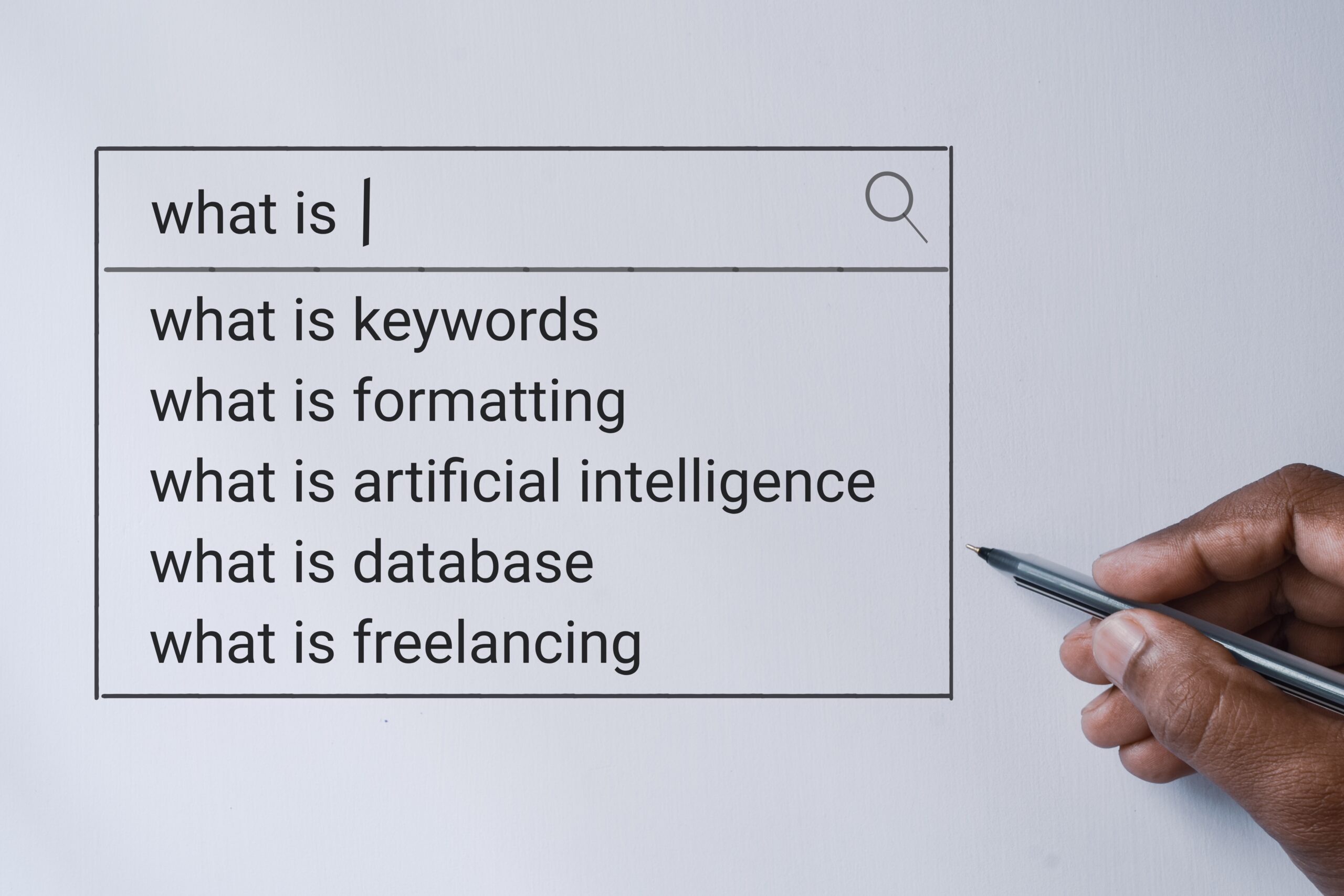
Autocomplete sits upstream from search results. As a result, it influences what people search for before they submit a query.
That distinction matters.
Instead of responding after the fact, the autocomplete feature generates search suggestions in real time as characters are entered into the search box. These suggestions are based on popular, trending, and previous searches, location signals, and learned behavior from millions of users across device types.
In practice, this means the system doesn’t just respond to a query. It actively shapes the query itself.
Because autocomplete lowers cognitive load, the experience feels faster and more intuitive. It reduces typing by roughly 25 percent, prevents common spelling errors, and helps users avoid zero-results pages caused by misspellings or vague terms.
What the System Learns From Partial Input
Every character matters.
As users type in the search field, autocomplete functionality evaluates multiple behavioral signals simultaneously. These include the prefix of the input, timing between keystrokes, corrections made with the keyboard, and whether suggestions are clicked, ignored, or abandoned entirely.
Over time, these signals feed machine learning models that evaluate what tends to follow similar input patterns.
For example, when thousands of users begin typing the same words and stop at the same point, the system learns from that incomplete behavior. Even if no one submits the query, those “almost typed” moments still influence future autocomplete suggestions.
This is where predictive search becomes visible.
Rather than waiting for certainty, autocomplete operates early, fast, and probabilistically.
How Autocomplete Generates Suggestions
Behind the scenes, autocomplete queries trigger lightweight API requests with every new character.
With each request, the system returns an array of suggestions ranked by relevance. Depending on configuration, the matching order can prioritize exact matches from the beginning of the term, partial matches from anywhere in the phrase, category-based matches, or product suggestions tied to inventory and popularity.
Meanwhile, the system evaluates query popularity, recent trends, historical engagement, language patterns, and geographic relevance.
Because of this layered approach, autocomplete suggestions are driven by data rather than guesswork. Logs from autocomplete interactions are especially valuable, since they reveal what users wanted before they knew how to ask for it.
For businesses, that insight often informs marketing decisions, category structure, and inventory planning.
Why Autocomplete Fixes Mistakes Before You Notice Them
Autocomplete also functions as a real-time spell-checker.
As users type, the system predicts likely words and silently corrects common errors. This reduces failed searches and improves accuracy across the site or platform.
More importantly, it prevents friction before it compounds.
Misspellings slow users down. Friction increases abandonment. Autocomplete addresses both by guiding users toward relevant terms before mistakes derail the search process.
As a result, engagement improves, and search conversion rates can increase by up to 24 percent.
Predictive Search Goes Further Than Words
Predictive search extends beyond text completion.
In more advanced implementations, autocomplete options may include relevant products, category links, images tied to search terms, or direct links beneath the search box.
When handled carefully, this becomes a non-invasive marketing tool. The system suggests related categories or products without interrupting intent.
However, too many options create the opposite effect.
That’s why best practice limits autocomplete lists to no more than 10 items on desktop and 4 to 8 on mobile. Anything beyond that introduces choice paralysis and slows decision-making.
Design Choices That Matter More Than Algorithms
The algorithm is only half the experience. Presentation shapes behavior just as much.
For that reason, effective autocomplete implementations highlight suggested query text for faster scanning, visually separate category suggestions from query suggestions, and avoid scrollbars inside the dropdown.
In addition, reducing visual noise helps users focus on actual search options. Adequate spacing prevents accidental taps on mobile, while dimming the background keeps attention on the autocomplete feature itself.
Finally, keyboard navigation support aligns with user expectations, especially on desktop.
Together, these choices ensure autocomplete feels lighter and faster than full search, not heavier.
The Real Takeaway
Autocomplete does not wait for certainty.
Instead, it learns from hesitation, corrections, and incomplete intent.
Over time, that learning changes what appears next.
Search feels instant because the system is already listening before the query is finished.