How Online Receipt Pages Expose Personal Spending
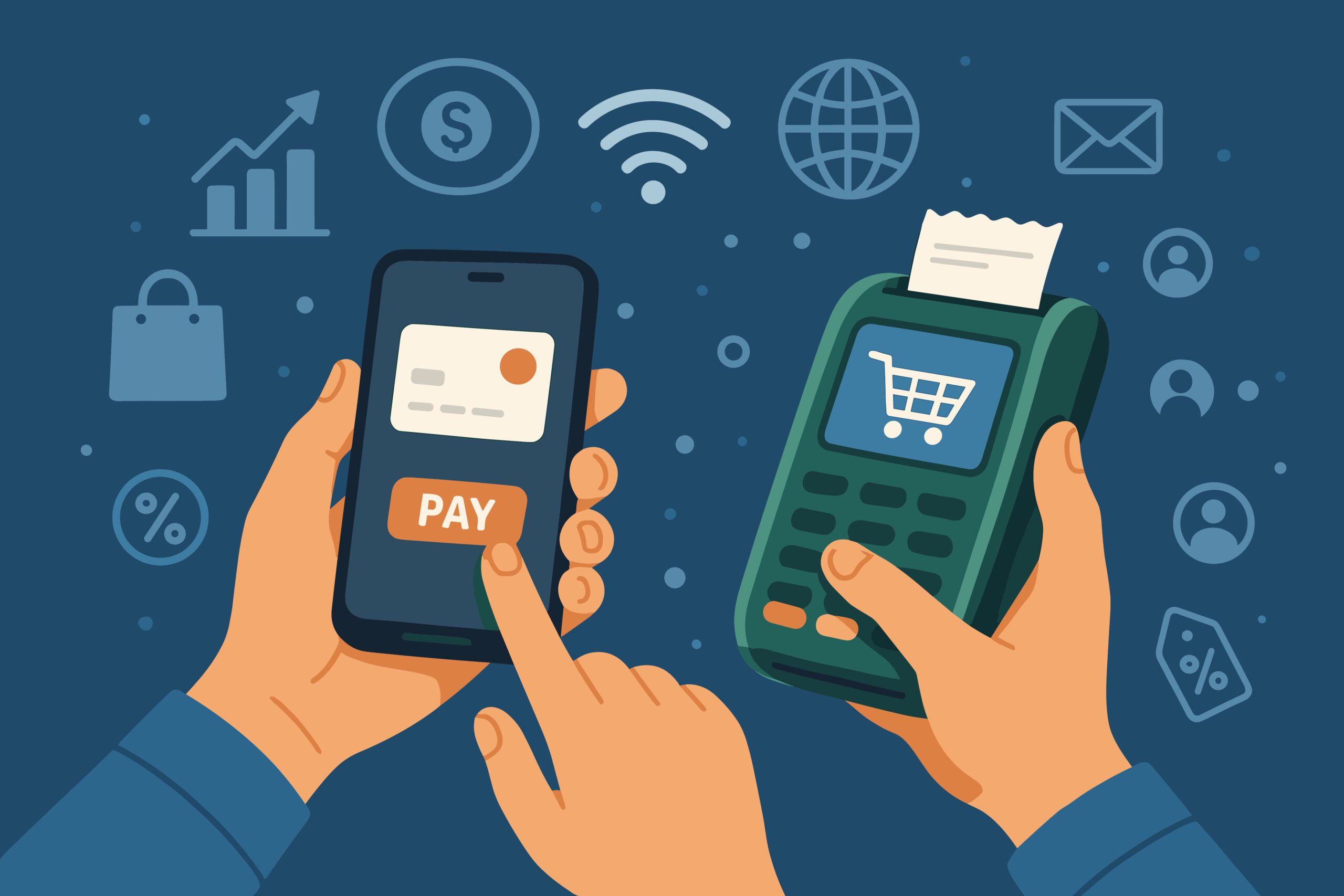
Digital receipts were meant to replace paper. They are fast, convenient, and easy to store. However, many online receipt pages expose more than most people expect. A single link can reveal purchase history, payment details, and personal habits without a password. Although it often feels private, it is not in many cases.
Some popular retailers treat a “receipt online” link as harmless. Yet anyone holding that link can view payment methods, billing details, or a full itemized list. This situation is the same as leaving professional receipts taped to a public wall.
This is why online receipt pages pose a real privacy risk.
What Online Receipt Pages Are
An online receipt page is a digital version of a store receipt. Instead of paper, you receive a link by email or text. The link opens a page with:
- receipt number
- business name and business logo
- billing address
- payment date and payment terms
- line items and taxes
- total amount
Many pages include a download receipt button or a PDF file for printing or storage in the cloud.
Tools used to create receipts or generate receipts — such as a free online receipt generator, receipt maker, or other online tool — are also common. They allow users to create unlimited receipts, request payment, or issue a payment receipt with customizable templates and their own logo.
This approach saves time and gives small businesses an easy way to start filling out documents without learning complex invoicing software.
The problem is not the format. Instead, the problem lies in access.
How These Pages Expose Personal Spending
Most online receipt links do not require a password. If the link is shared, forwarded, copied, or posted, anyone can see the receipt details. Moreover, search engines have even indexed some pages publicly when they were shared on forums or in Google Docs.
Once visible, a stranger can view:
- where you shopped
- what you bought
- how often you buy
- how much you spent
- billing information
- payment method
- additional notes
A receipt number that looks random may still allow someone to guess other receipts by changing one digit at a time. This is how some payment links have been abused.
For a scammer, this is valuable data.
Why Personal Spending Matters
A receipt does more than show a total amount and taxes. It shows behavior.
Receipts often reveal:
- daily transactions
- purchase patterns
- family habits
- business information
- services paid for
- products returned
- due date and issue date
- tax rates and itemized lists
A receipt might show $140 on baby supplies, $800 on electronics, or multiple trips to the same pharmacy. These details tell a story about your life.
A stranger does not need context. Instead, they only need access.
Identity and Location Risks
Online receipt pages can show:
- full names
- billing addresses
- shipping locations
- payment terms
- business logos
- store locations
This information can help someone infer where you live, what you earn, or what you own. Criminals have used receipt information to request payment, send fake invoices, or confirm identity details before carrying out larger thefts.
One common tactic is to reply with a fake “professional invoice” and ask for a second payment. Because they already know the store, date, and amount, the message feels believable.
Small Business Risks
Small businesses often rely on:
- free online receipt generators
- receipt templates
- online receipt maker tools
They use these tools to create professional receipts, generate a payment receipt, and send billing details quickly. Many of these are completely free and save valuable time.
However, when invoices and receipts are stored in public folders or shared without restrictions, competitors or scammers can see:
- client names
- transaction dates
- services
- pricing
- taxes
It is a privacy and brand risk. Accurate financial records become exposed financial records.
How Receipts Spread Across the Web
Receipts move as easily as the links used to create them. They end up in:
- email threads
- shared folders
- cloud storage
- messaging apps
- accounting systems
- group chats
One user forwards a receipt—another copy-paste. Someone uploads to a shared drive. Search engines index the link. Suddenly, a personal document becomes visible to the world.
Even if you delete the file, a cached version may exist.
A receipt maker or generator tool may also store receipts on their own servers. Without reading the terms, many users assume the receipts are private. However, they are often not.
How to Reduce Exposure
You do not need to stop using digital receipts. Instead, you only need to control access.
Simple steps help:
- delete shared links after use
- avoid posting receipts publicly
- download receipts and then remove the online version
- use tools that require login
- store receipts locally or in secure cloud storage
- avoid sharing links in group chats
If you use a free receipt generator tool, check whether it stores documents. Some tools keep a copy to “make it easy to create unlimited receipts,” but this also means they may stay online.
Better Options for Privacy
You can still create professional receipts without exposing data. Look for tools that offer:
- password protection
- encrypted storage
- private links
- limits on public access
- download-only options
- customizable templates you control
Many tools allow you to:
- add your own logo
- choose receipt information fields
- export as PDF
- save locally
- attach to email securely
These features keep the billing process private while maintaining accurate financial records.
The Key Point
Online receipt pages are convenient. They save time. Additionally, they help manage daily transactions. They let businesses create receipts and track payments efficiently.
However, convenience should not come at the cost of privacy.
If a receipt page is public, anyone can view:
- what you bought
- how you paid
- where you live
- who you are
A shared link is not the same as a locked document. A receipt number does not make a page private. A professional design does not mean professional security.
Conclusion
Digital receipts are here to stay. They are useful for business, tax records, and documentation. Nevertheless, an unprotected online receipt link can expose personal spending.
Before you send or store a receipt:
- check who can view it
- protect the link
- download it locally
- avoid sharing publicly
Receipts should help track expenses, not reveal your life. A simple change in how you store and send them can prevent a lot of trouble.
Privacy is not about hiding. Instead, it is about control.
Make sure the receipts you create stay where they belong.